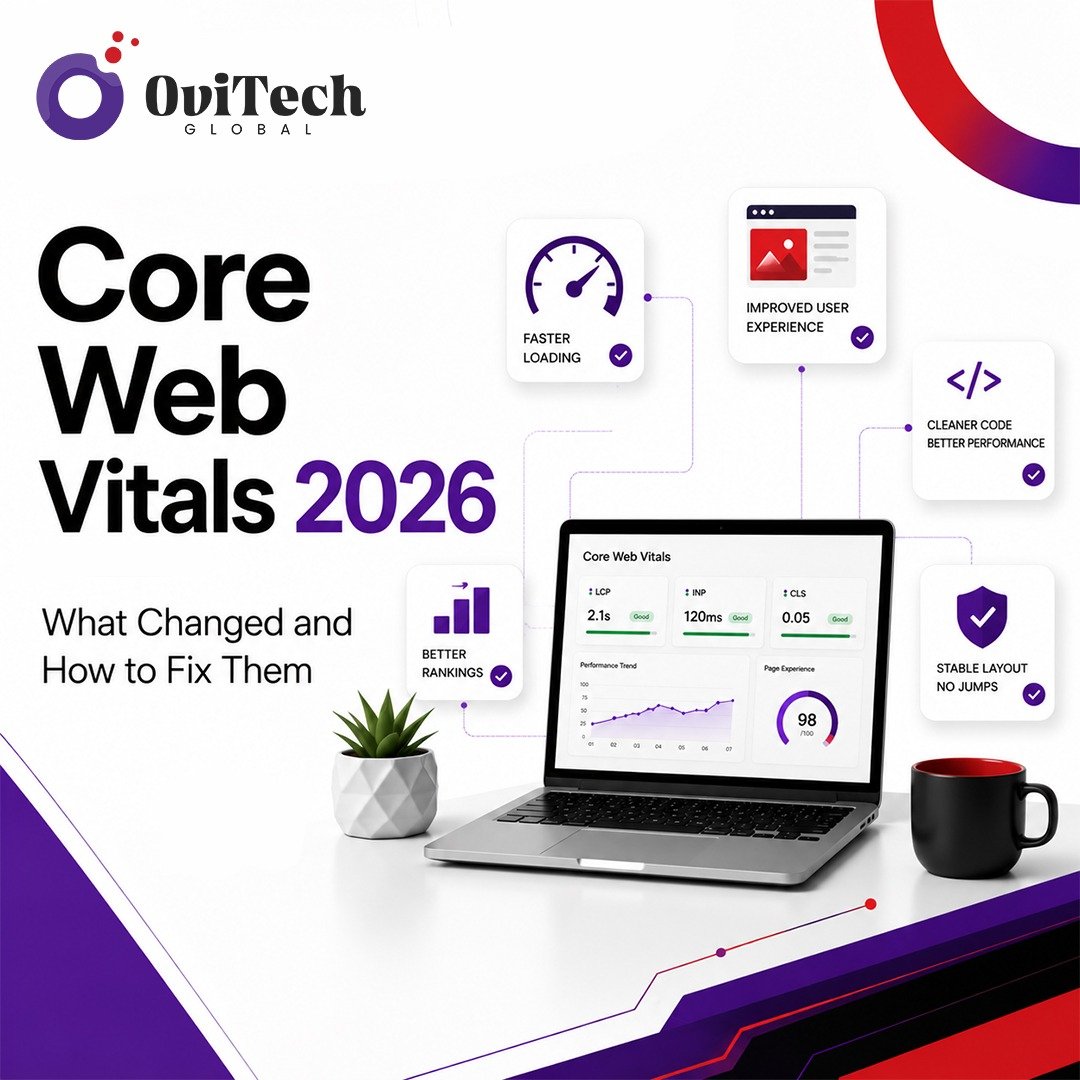
If your website's performance scores have shifted recently even though you have not touched a single line of code, you are not imagining things. Core Web Vitals 2026 reflects a maturing set of metrics that Google continues to refine as user behavior, devices, and web technology evolve.
For website owners, developers, and digital marketers, keeping up with these changes matters because Core Web Vitals sit at the intersection of technical SEO and real user experience. A site that loads quickly, responds instantly to clicks, and stays visually stable tends to keep visitors engaged, which in turn supports better search visibility.
This guide breaks down what has changed in Core Web Vitals for 2026, how the shift from FID to INP reshaped performance measurement, and the practical steps you can take to improve your scores. Companies like Ovitech, which work on website development and technical SEO, often approach these fixes as part of a broader Google Page Experience strategy rather than a one-time audit. Whether you run a blog, a WordPress site, or an eCommerce store, the fundamentals below apply directly to your situation.
What Are Core Web Vitals?
Core Web Vitals are a set of measurable signals Google uses to evaluate the real-world user experience of a webpage. They focus on three dimensions of performance: how fast the main content loads, how quickly the page responds to interaction, and how visually stable the layout remains while loading.
Unlike generic speed tests, Core Web Vitals are grounded in how actual users experience a page, not just how a page performs in a controlled lab environment. This distinction matters and comes up again later in the Field Data versus Lab Data section.
Why Google Uses Core Web Vitals
Google introduced Core Web Vitals to formalize what "good user experience" means in measurable terms. Instead of relying on subjective impressions, Google uses these metrics because they correlate with things users actually care about: not waiting too long for content to appear, not fighting with a page that jumps around, and not tapping a button that takes a second to respond.
Search engines, including AI-driven ones, increasingly reward pages that provide a smooth experience because a frustrating page tends to produce shorter visits, higher bounce rates, and lower engagement overall.
What Changed in Core Web Vitals During 2026
The biggest structural shift heading into 2026 is the continued emphasis on Interaction to Next Paint (INP) as the primary responsiveness metric, fully replacing First Input Delay (FID) in Google's official Core Web Vitals report. Beyond that transition settling in, 2026 has brought:
- Greater weighting on real-world field data from the Chrome User Experience Report (CrUX) over lab simulations
- Increased scrutiny of third-party scripts and their impact on responsiveness
- Continued refinement of thresholds as more mobile device data becomes available
- Growing attention to how AI-generated and template-heavy websites perform under real traffic conditions
None of this means the fundamentals have changed. It means the bar for "good" performance has been recalibrated based on how people actually browse in 2026, which includes more interaction-heavy pages and a wider mix of device capabilities.
Evolution From FID to INP
First Input Delay only measured the delay before a browser began processing a user's first interaction. It did not account for how long the page took to visually respond, and it ignored every interaction after the first one.
Interaction to Next Paint solves both problems. INP measures the latency of all interactions throughout a page's lifecycle and reports the worst (or near-worst) one, giving a far more complete picture of responsiveness. A page that feels fast on the first click but sluggish afterward would have looked fine under FID and would correctly look poor under INP.
For developers, this means responsiveness testing can no longer stop at the initial page load. Every button, dropdown, and form interaction across the session matters.
Current Google Page Experience Signals
Google Page Experience today is built around the three Core Web Vitals metrics (LCP, INP, and CLS), alongside supporting factors like mobile-friendliness, safe browsing status, and the absence of intrusive interstitials. While Core Web Vitals are not the only ranking input, they remain one of the clearest, most actionable ways to demonstrate a technically sound, user-friendly website.
Why User Experience Matters More Than Ever
As more websites compete for the same search visibility, and as AI Overviews and other generative answers pull directly from well-structured, fast-loading pages, user experience has become a differentiator rather than a checkbox. A page that loads instantly and responds smoothly signals technical competence, which indirectly supports trust and credibility, both of which matter under Google's broader quality guidelines.
How Core Web Vitals Affect SEO
Core Web Vitals are one of many signals Google's algorithms consider, but they carry practical weight in two ways. First, they contribute to the Page Experience signal set. Second, and often more significantly, they influence user behavior metrics like bounce rate and time on site, which correlate with how well a page satisfies search intent.
It is worth being precise here: strong Core Web Vitals will not override thin or low-quality content, and there is no guaranteed ranking boost tied to hitting "good" thresholds. What good scores do is remove a technical barrier that could otherwise hold back an otherwise strong page.
Ranking vs User Engagement
It helps to separate two related but distinct outcomes. Ranking is about how search engines evaluate and position your page. Engagement is about what happens once a visitor actually lands there. Core Web Vitals influence both, but their effect on engagement, fewer abandoned sessions, more completed actions, is often the more immediately noticeable benefit for site owners.
Field Data vs Lab Data
Understanding the difference between field data and lab data is essential for interpreting your reports correctly.
Field data comes from real users visiting your site, aggregated through the Chrome User Experience Report. It reflects actual network conditions, device types, and browsing behavior. This is the data Google uses for Search ranking signals.
Lab data comes from simulated tests, such as those run in Lighthouse, under controlled network and device conditions. Lab data is excellent for debugging specific issues in a repeatable environment, but it will not always match what your real users experience.
A common mistake is chasing a perfect Lighthouse score while ignoring what CrUX field data shows for actual visitors. Both matter, but field data is the one that ultimately affects your Page Experience signals.
Chrome User Experience Report (CrUX)
The Chrome User Experience Report aggregates anonymized, real-user performance data from Chrome users who have opted in. It is the backbone of field data reporting and is publicly accessible through the CrUX dashboard, BigQuery, and integrated into tools like PageSpeed Insights and Search Console.
Lighthouse Reports
Lighthouse is Google's open-source auditing tool, available in Chrome DevTools, as a CLI, and integrated into PageSpeed Insights. It generates lab data and provides specific, itemized recommendations, such as which images to compress or which scripts are blocking rendering, making it one of the most practical starting points for a performance audit.
Google PageSpeed Insights
Google PageSpeed Insights combines both lab data (via Lighthouse) and field data (via CrUX, when available) in a single report. This makes it one of the most useful tools for getting both a diagnostic view and a real-world performance snapshot in one place.
Google Search Console Core Web Vitals Report
Inside Google Search Console, the Core Web Vitals report groups your URLs by status (Good, Needs Improvement, Poor) using field data at scale. This report is particularly useful for spotting patterns across templates or page types, rather than auditing one URL at a time.
Core Web Vitals Metrics
| Metric | Good Score | Needs Improvement | Poor | Importance | How to Improve |
|---|---|---|---|---|---|
| Largest Contentful Paint (LCP) | 2.5s or less | 2.5s to 4s | Over 4s | Measures loading speed of main content | Optimize images, reduce server response time, use a CDN |
| Interaction to Next Paint (INP) | 200ms or less | 200ms to 500ms | Over 500ms | Measures responsiveness to user input | Reduce JavaScript execution, break up long tasks |
| Cumulative Layout Shift (CLS) | 0.1 or less | 0.1 to 0.25 | Over 0.25 | Measures visual stability during load | Set size attributes on images and ads, avoid injecting content above existing content |
| Time to First Byte (TTFB) | 0.8s or less | 0.8s to 1.8s | Over 1.8s | Measures server responsiveness | Improve hosting, enable caching, use a CDN |
Largest Contentful Paint (LCP) Explained
Largest Contentful Paint measures how long it takes for the largest visible element, often a hero image, banner, or heading, to render on screen. Slow LCP is usually caused by unoptimized images, slow server response times, or render-blocking resources loading before the main content.
Practical fixes include compressing and correctly sizing images, using modern image formats, preloading the LCP element when it can be identified in advance, and reducing time to first byte through better hosting or caching.
Interaction to Next Paint (INP) Explained
Improving INP usually means reducing the amount of JavaScript that runs in response to user interaction. Long tasks on the main thread block the browser from responding quickly. Breaking large scripts into smaller chunks, deferring non-essential JavaScript, and minimizing third-party script impact are the most effective interventions.
Cumulative Layout Shift (CLS) Explained
Cumulative Layout Shift tracks unexpected movement of page elements as content loads. Common causes include images or ads without defined dimensions, web fonts that cause text reflow, and dynamically injected content pushing existing elements down.
Setting explicit width and height attributes (or aspect-ratio in CSS) on images and embeds, along with reserving space for ads and dynamic content, resolves most CLS issues.
Time to First Byte (TTFB)
While not one of the three official Core Web Vitals, TTFB heavily influences LCP, since nothing can render until the server responds. Slow TTFB is often caused by unoptimized backend queries, lack of caching, or hosting infrastructure that struggles under load.
Render-Blocking Resources and Critical Rendering Path
The critical rendering path refers to the sequence of steps a browser takes to convert HTML, CSS, and JavaScript into pixels on screen. Render-blocking resources, typically CSS and synchronous JavaScript in the document head, delay this process. Minimizing what blocks the initial render, by inlining critical CSS and deferring non-essential scripts, shortens the path to a visible, usable page.
JavaScript Optimization
Heavy JavaScript is one of the most common causes of poor INP scores. Effective strategies include code splitting so pages only load what they need, removing unused JavaScript, deferring third-party scripts until after the main content loads, and replacing heavy libraries with lighter alternatives where possible.
CSS Optimization
Unused CSS adds unnecessary weight and can block rendering. Auditing and removing unused styles, minifying CSS files, and inlining only the critical, above-the-fold styles all contribute to faster load times.
Image Optimization: WebP and AVIF
Modern image formats like WebP and AVIF offer significantly smaller file sizes than JPEG or PNG at comparable visual quality. Combined with proper sizing, compression, and lazy loading for offscreen images, this remains one of the highest-impact, lowest-effort improvements available for most websites.
Font Optimization
Web fonts can delay text rendering or cause layout shifts if not handled carefully. Using font-display: swap, preloading critical fonts, and limiting the number of font weights and styles loaded all help reduce their performance impact.
Lazy Loading
Lazy loading defers offscreen images and iframes until they are needed, reducing initial page weight. This should be applied carefully: the LCP image itself should never be lazy-loaded, since that can delay the very metric you are trying to improve.
Resource Preloading, Preconnect, and Caching
Preloading tells the browser to fetch a critical resource early, which is useful for the LCP image or key fonts. Preconnect establishes early connections to important third-party origins. Browser caching, through proper cache-control headers, ensures returning visitors do not re-download unchanged assets.
CDN Optimization and Selection
A CDN (Content Delivery Network) serves assets from servers geographically closer to your users, reducing latency. When selecting a CDN, consider global coverage relevant to your audience, support for modern protocols like HTTP/3, image optimization features, and integration with your existing hosting or platform.
HTTP/3 and Compression
HTTP/3 improves connection efficiency, particularly on unreliable mobile networks, by reducing latency compared to older protocols. Pairing this with Brotli compression for text-based assets (HTML, CSS, JavaScript) typically outperforms traditional Gzip compression, resulting in smaller transfer sizes.
Server and Database Optimization
For dynamic websites, slow database queries and inefficient server-side rendering directly affect TTFB and, by extension, LCP. Indexing frequently queried database fields, implementing object caching, and using a content caching layer in front of dynamic pages all reduce backend bottlenecks.
Common Performance Problems and Solutions
| Problem | Solution |
|---|---|
| Slow Hosting | Move to performance-optimized hosting or a managed platform with better server response times |
| Large Images | Compress, resize, and convert to WebP or AVIF |
| Heavy JavaScript | Code split, defer non-critical scripts, remove unused code |
| Render-Blocking CSS | Inline critical CSS, defer non-critical stylesheets |
| Too Many Plugins | Audit and remove redundant or poorly coded plugins |
| Poor Caching | Implement browser and server-side caching with proper headers |
| Third-Party Scripts | Load asynchronously, defer where possible, audit necessity regularly |
| Large Fonts | Limit font weights, use font-display: swap, preload key fonts |
WordPress Optimization for Core Web Vitals
For WordPress sites, common wins include using a caching plugin, choosing a lightweight, well-coded theme, limiting the number of active plugins, and serving images in modern formats through a media optimization plugin. Many WordPress performance issues come from an accumulation of plugins and scripts added over time rather than a single misconfiguration, so a periodic audit is worthwhile.
WooCommerce and eCommerce Optimization
WooCommerce and other eCommerce platforms tend to struggle with CLS on product pages (due to dynamically loaded pricing, reviews, or stock badges) and INP on cart and checkout interactions. Reserving layout space for dynamic elements, optimizing product image galleries, and minimizing third-party checkout scripts are especially important here, since checkout friction directly affects conversion.
Headless CMS and Modern Architecture Performance
Headless CMS setups can perform very well when configured correctly, since they separate content delivery from rendering logic. However, they can also introduce new bottlenecks through API response times and client-side rendering overhead. Server-side rendering or static generation, combined with CDN caching of API responses, generally produces the best Core Web Vitals results for headless architectures.
Cloudflare and CDN-Level Optimization
Cloudflare and similar CDN providers offer features like automatic image optimization, edge caching, and Brotli compression that can be enabled with minimal configuration. For many small and mid-sized sites, correctly configuring these settings delivers a meaningful performance improvement without touching the underlying codebase.
Mobile-First Optimization
Given that CrUX field data is heavily weighted toward mobile traffic for most sites, mobile performance deserves at least as much attention as desktop. This means testing on actual mid-range devices and throttled network conditions, not just high-end phones on fast Wi-Fi.
Third-Party Scripts and Their Impact
Analytics tags, chat widgets, advertising scripts, and embedded videos are frequent, underestimated contributors to poor INP and LCP scores. Regularly auditing which third-party scripts are actually necessary, and loading the rest asynchronously or on user interaction, is one of the most overlooked optimization opportunities.
Performance Optimization Checklist
| Area | Action Items |
|---|---|
| Hosting | Choose performance-focused hosting, monitor server response times |
| Images | Compress, resize, convert to WebP/AVIF, lazy load offscreen images |
| Caching | Enable browser caching, use object and page caching for dynamic sites |
| CDN | Deploy a CDN with HTTP/3 and edge caching support |
| Compression | Enable Brotli compression for text assets |
| Fonts | Preload key fonts, use font-display: swap, limit font variations |
| CSS | Remove unused CSS, inline critical styles |
| JavaScript | Code split, defer non-critical scripts, audit third-party tags |
| Database | Index queries, implement object caching for dynamic content |
| Monitoring | Set up ongoing tracking through Search Console and field data tools |
AI-Generated Websites and Performance
As more websites are built quickly using AI website builders and templates, performance often becomes an afterthought. These platforms can produce visually polished sites that still carry bloated JavaScript, unoptimized images, or excessive third-party integrations. Regardless of how a site was built, the same Core Web Vitals principles apply, and a quick audit after launch is worth the time.
Performance Budgets
A performance budget sets defined limits, for example, total page weight, number of requests, or JavaScript execution time, that a team agrees not to exceed. Establishing a budget early in development prevents gradual performance decay as new features and scripts get added over time.
Continuous Monitoring Strategy
Core Web Vitals are not a one-time fix. Setting up ongoing monitoring through Google Search Console, periodic PageSpeed Insights checks, and real-user monitoring tools ensures that new content, plugins, or design changes do not quietly erode performance over time.
Website Migration Considerations
When migrating a website, whether changing hosting, CMS, or design, it is easy to lose previously optimized performance. Before migrating, benchmark current Core Web Vitals scores, and after migration, re-test promptly to catch regressions early, particularly around image handling, caching configuration, and third-party script reintroduction.
Core Web Vitals Audit Checklist
- Run PageSpeed Insights for both mobile and desktop
- Review the Core Web Vitals report in Google Search Console
- Identify pages in the "Poor" and "Needs Improvement" categories
- Check LCP element and confirm it is not lazy-loaded
- Test INP across multiple interactions, not just first click
- Check for layout shifts caused by images, ads, or fonts
- Audit third-party scripts for necessity and loading method
- Confirm caching headers and CDN configuration are active
- Re-test after implementing fixes to confirm improvement
Website Speed Optimization Checklist
- Compress and resize all images, convert to WebP/AVIF
- Minify and defer non-critical CSS and JavaScript
- Enable browser and server-side caching
- Implement a CDN with HTTP/3 support
- Preload critical fonts and the LCP image
- Remove unused plugins, scripts, and CSS
- Set explicit dimensions for images, embeds, and ads
- Monitor field data monthly through Search Console
Expert Tips
- Prioritize fixing your worst-performing template or page type first; gains there often apply site-wide.
- Test INP using real interaction patterns your users actually perform, not just a single click.
- Do not lazy-load your LCP image, doing so typically makes LCP worse, not better.
- Treat third-party scripts as a recurring audit item, not a one-time decision.
- Re-test after every major content or plugin update, since regressions are common and easy to miss.
Common Mistakes
- Chasing a perfect Lighthouse (lab) score while ignoring CrUX field data
- Adding image dimensions everywhere except the elements actually causing layout shifts
- Optimizing desktop performance while ignoring mobile field data
- Treating a single Core Web Vitals audit as a permanent fix rather than an ongoing process
- Adding new plugins or scripts without checking their performance cost afterward
Key Takeaways
- Core Web Vitals 2026 centers on LCP, INP, and CLS, with INP now fully replacing FID as the responsiveness metric.
- Field data from CrUX, not just lab data from Lighthouse, determines your actual Page Experience signals.
- Image optimization, JavaScript reduction, and proper caching remain the highest-impact fixes for most websites.
- WordPress, WooCommerce, and headless CMS setups each have specific, well-known optimization patterns worth following.
- Performance is an ongoing process, not a single audit, and should be monitored continuously as your site evolves.
Conclusion
Understanding Core Web Vitals 2026 comes down to recognizing that Google's measurement of user experience has become more precise, not more complicated. The shift to INP, the growing reliance on field data, and the continued focus on loading speed and visual stability all point toward the same underlying goal: rewarding websites that genuinely work well for the people using them.
Whether you manage a single blog or an eCommerce platform handling thousands of sessions a day, the fixes outlined here, image optimization, JavaScript reduction, smart caching, and continuous monitoring, apply directly to your situation. Teams like Ovitech that focus on website development and technical SEO typically treat these optimizations as an ongoing part of a site's lifecycle rather than a single pre-launch task, and that mindset tends to produce more durable results than a one-off fix.
SEO FAQs
1. What is Core Web Vitals 2026 and how is it different from before? Core Web Vitals 2026 reflects the continued use of LCP, INP, and CLS as Google's core performance metrics, with INP now fully established as the responsiveness metric in place of the retired FID.
2. What replaced First Input Delay (FID)? Interaction to Next Paint (INP) replaced FID because it measures responsiveness across all user interactions during a page's lifecycle, not just the first one.
3. What is considered a good LCP score? A Largest Contentful Paint of 2.5 seconds or less is considered good, according to Google's official thresholds.
4. What is considered a good INP score? An Interaction to Next Paint of 200 milliseconds or less is considered good.
5. What is considered a good CLS score? A Cumulative Layout Shift of 0.1 or less is considered good.
6. Do Core Web Vitals directly affect Google rankings? They are part of the Page Experience signal set and can influence rankings indirectly, though strong content relevance and quality remain more significant ranking factors.
7. What is the difference between field data and lab data? Field data comes from real users via the Chrome User Experience Report, while lab data comes from simulated tests like Lighthouse under controlled conditions.
8. How can I check my website's Core Web Vitals? Use Google PageSpeed Insights, the Core Web Vitals report in Google Search Console, or the Chrome UX Report dashboard.
9. Why is my WordPress site failing Core Web Vitals? Common causes include unoptimized images, too many plugins, uncached dynamic content, and poorly coded themes.
10. Does image format really affect Core Web Vitals? Yes, using modern formats like WebP or AVIF significantly reduces file size compared to JPEG or PNG, directly improving LCP.